%20(2).png?width=600&height=150&name=Clinicline%20Horizontal%20logo%20(600%20x%20150%20px)%20(2).png)
A Day in the Life of a Canadian Medical Office Assistant And How Virtual Workflows Eliminate Burnout
By Dhruv Randeria on Aug 10, 2026, 2:21:14 PM
A Day in the Life of a Canadian Medical Office Assistant And How Virtual Workflows Eliminate Burnout
Quick Answer
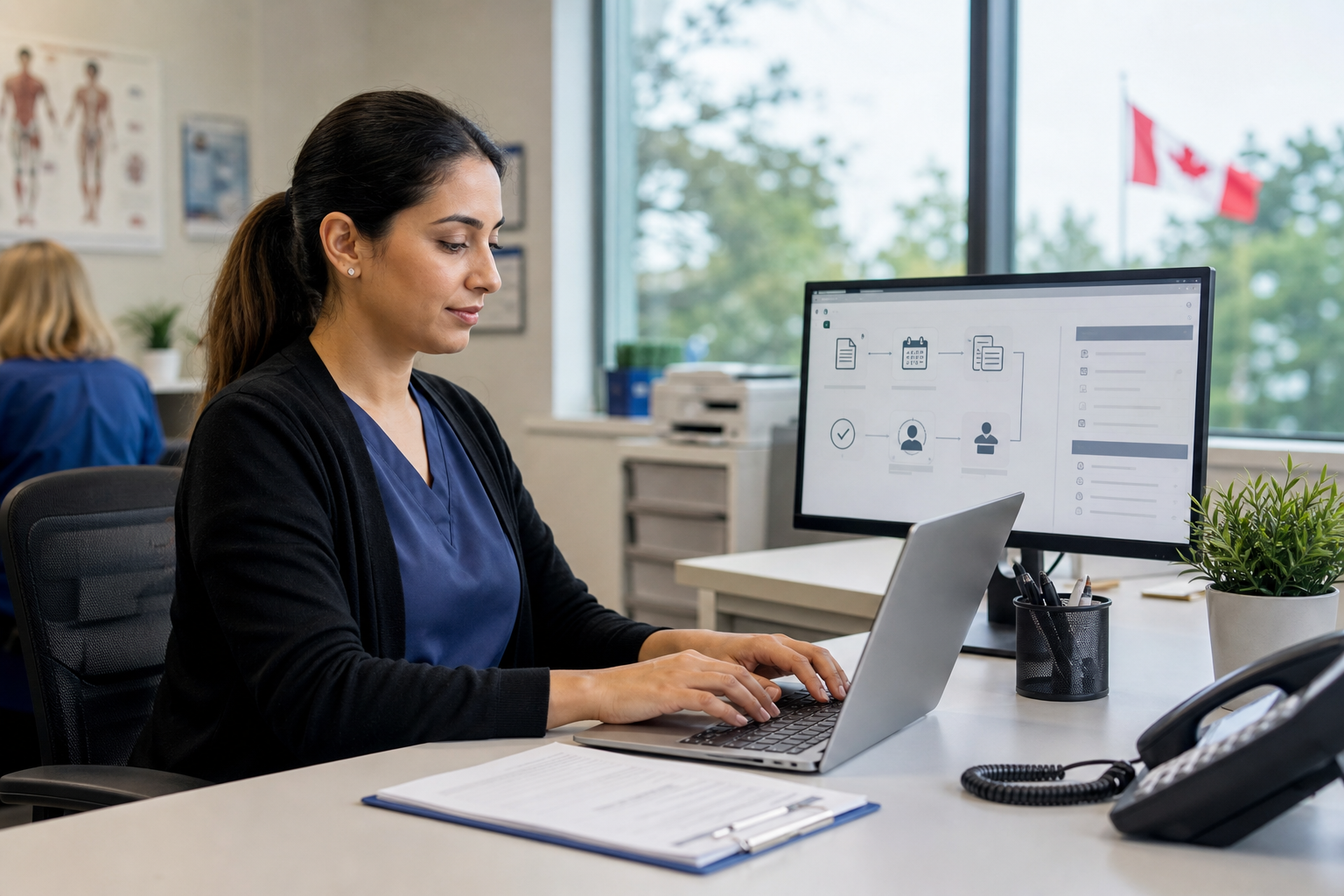
A typical shift for a Medical Office Assistant (MOA) in Canada involves balancing a busy mix of front-office, clinical, and customer service tasks. From greeting patients and taking vitals to answering phone lines, sorting e-faxes, and updating Electronic Medical Records (EMRs), MOAs keep clinics running.
However, when an in-house MOA must constantly split focus between a patient at the counter and a ringing phone, burnout spikes and clinic flow breaks down. Modern Canadian practices solve this using a hybrid staffing framework: keeping a lean on-site team for in-person patient care while offloading back-office phone queues, faxes, and EMR tasks to a secure, PHIPA-compliant Canadian virtual assistant network.
Inside the Shift: The Front-Line Reality for Canadian MOAs
Whether working in a family practice, multi-physician FHO network, walk-in clinic, or specialist facility, Medical Office Assistants serve as the primary engine of the Canadian healthcare system. They act as the vital communication link connecting patients, doctors, and allied health professionals.
On any given shift, a Canadian MOA manages a wide range of duties:
- Morning Prep & Intake: Arriving early to unlock the clinic, check overnight voicemails, log into core EMRs (such as Accuro, TELUS PS Suite, OSCAR, or CHR), prepare exam rooms, and review the day's schedule with doctors.
- Patient Greeting & Clinical Basics: Checking patients in at the front desk, validating provincial health cards (such as OHIP), helping with intake forms, and taking basic vitals (like blood pressure and pulse) before guiding patients to exam rooms.
- Continuous Back-Office Tasks: Answering multi-line phone queues, making appointment reminder calls, ordering supplies, typing medical notes, and processing third-party or uninsured billing payments.
- Document Management & Referrals: Sorting incoming e-faxes, indexing lab results directly into charts, and following up on specialist referrals to close care loops.
The Real Impact: While MOAs are essential to patient care, forcing a single in-house assistant to manage walk-in check-ins while simultaneously handling endless baseline phone calls causes severe multitasking fatigue. Rushed morning check-ins lead to missing patient records, delayed billing claims, and front-desk burnout.
Traditional In-House Front Desk vs. Hybrid Virtual Staffing
To protect your clinic's operational margins and prevent staff turnover, consider how a traditional single-staffed front desk compares to an integrated hybrid workflow:
|
Operational Category |
Traditional In-House Front Desk |
Hybrid Model (In-House + Virtual MOA) |
|
Patient-Facing Support |
Fragmented: MOAs are constantly pulled away from lobby patients by ringing phone lines. |
Dedicated: Local staff focus 100% of their energy on greeting patients, rooming, and in-person care. |
|
Back-Office Productivity |
Delayed: Phone calls, faxes, and billing tasks are frequently interrupted by walk-in needs. |
Streamlined: Remote assistants handle phone queues, e-fax indexing, and referral follow-ups without distraction. |
|
Data Privacy & EMR Tracking |
Rushed manual EMR entry by local staff juggling multiple tasks at the front desk. |
Full Compliance: Secure, direct access to Canadian EMRs under strict PHIPA and PIPEDA protocols. |
|
Call Capacity & Booking |
Single-line limits create busy signals, long hold times, and missed appointment bookings. |
Multi-Line Coverage: Immediate call capture ensuring patient inquiries and same-day bookings are handled. |
|
Overhead & Infrastructure |
High Fixed Drag: Base wages paired with mandatory CPP/EI taxes, health benefits, and desk space costs. |
Predictable CAD Pricing: Value-driven flat rates around ~$18/hr CAD with zero employer tax liability. |
Evaluating the Economic Footprint of In-House Administrative Intake
When clinic directors calculate staffing budgets, they often look exclusively at raw hourly base wages. However, looking closely at total cost of ownership (TCO) reveals The Overhead Tail—including health benefits, mandatory payroll contributions (CPP/EI), workstation footprint, equipment leases, and paid employee downtime.
When an on-site MOA spends hours manually sorting digital faxes, answering routine direction requests, or chasing billing rejections, you pay high fixed overhead for repetitive workflows.
A Realistic Cost Breakdown
- In-House MOA Total TCO: ~$61,000+ / year (inclusive of base salary, benefits, payroll taxes, physical desk real estate, and hardware provisions).
- Dedicated Remote MOA Service: Flat-rate, value-driven plans starting at ~$18/hr CAD, requiring zero equipment, space allocation, or benefit overhead.
📊 Calculate Your Practice's Savings: Staffing expenses, panel dimensions, and call volumes vary across Canadian provinces. Use the interactive ClinicLine Savings Calculator to see exactly how much annual administrative overhead you can cut by offloading your back-office bottlenecks.
Why Generic Answering Services Fail Canadian Medical Office Workflows
Many practice managers attempt to ease front-desk pressure by signing up for generic corporate call centers or automated retail answering services. However, using generic platforms in a Canadian healthcare environment introduces severe legal and clinical risks:
- The Privacy Trap (PHIPA & PIPEDA Compliance): Generic retail platforms routinely route voice and message data through unencrypted international servers. In Canada, handling Personal Health Information (PHI) requires explicit adherence to provincial health privacy legislation (like Ontario's PHIPA or Alberta's HIA) and secure Canadian data hosting.
- No Canadian EMR Interactivity: Generic call centers operate in an isolated vacuum. They cannot navigate native Canadian electronic medical record architectures—such as Accuro, TELUS PS Suite, OSCAR Pro, or CHR. They cannot view your live scheduling grid, assign same-day urgent slots, or verify patient registration details in real-time.
- The "Take-a-Message" Bottleneck: Standard answering pools function on a basic "take-a-message" model. Because they cannot conduct basic medical administrative triage, manage multi-layered specialist referrals, or process uninsured billing follow-ups, they leave your on-site team buried under phone backlogs.
The Workflow Multiplier: Elevating the On-Site MOA Role with ClinicLine
To eliminate front-desk burnout and elevate patient satisfaction without expanding physical real estate, progressive practices leverage The Workflow Multiplier Effect—pairing an energetic in-person MOA with dedicated virtual medical administrative assistants.
Through the comprehensive ClinicLine Product Suite, practices can seamlessly embed specialized remote support directly into their existing cloud infrastructure:
- Automated Voice Intake: Deploying a custom ClinicLine AI Voice Receptionist guarantees that patients receive polite, immediate assistance on the first ring, syncing appointment slots straight into your core EMR day or night.
- Hands-Free Document Routing: Practices can clear the daily back-office pileup of inbound faxes, diagnostic charts, and laboratory reports by integrating ClinicLine AI Fax Triage. The system automatically reads, categorizes, and securely routes incoming documents straight into patient charts with absolute PHIPA compliance.
- Elevated In-Office Culture: On-site MOAs step out from behind ringing multi-line phone banks. Local staff can devote their unfragmented attention to welcoming lobby patients, conducting clinical vitals, coordinating complex care plans, and facilitating smooth exam room turnarounds.
Frequently Asked Questions
Q: Can a remote virtual assistant handle advanced tasks like medical billing and referral tracking?
A: Yes. Unlike generic call centers that only take name-and-number messages, a specialized virtual Medical Office Assistant (MOA) integrates directly into your clinic's existing cloud EMR. They receive incoming digital faxes, categorize document types, file reports directly into patient charts, process uninsured billing follow-ups, and track external specialist referrals to completion.
Q: How do virtual medical assistants securely access our cloud EMR without violating Canadian privacy laws?
A: Specialized remote assistants connect to your cloud EMR (such as Accuro, TELUS CHR, or OSCAR) using unique, encrypted credentials provided directly by your practice. This approach maintains complete data audit tracking, ensuring every chart note, fax filing, and scheduling edit is logged under explicit user permissions, fully backed by a corporate Business Associate Agreement (BAA) under PHIPA standards.
Q: Will offloading back-office tasks reduce job security for our existing in-house MOAs?
A: No—it elevates their role. By delegating repetitive phone queues, digital faxes, and administrative data entry to a virtual assistant, your in-house MOAs are freed from constant multitasking strain. They can focus on higher-value clinical duties, direct patient care, and managing in-person office flow without feeling overwhelmed.
Building a Sustainable, Low-Overhead Practice
A day in the life of a Canadian Medical Office Assistant doesn't have to be a non-stop battle against ringing phones and administrative backlogs. True operational efficiency relies on matching specific tasks with the right environment.
By retaining a focused team on-site for immediate, face-to-face patient care, and routing phone lines, e-faxes, and EMR tasks to a dedicated Canadian service, your practice can eliminate front-desk burnout, lower administrative overhead, and build a sustainable model for long-term clinical success.
To explore how your clinic can eliminate front-desk bottlenecks and support your on-site MOA team with trained Canadian virtual support, explore our options and Get in Touch with ClinicLine today.
About Us
These Related Stories
9 Admin Tech Tools That Save Canadian Clinics Time (And How to Maximize Them)

AI Answering Systems vs. Human Medical Teams: Finding the Perfect Fit for Your Canadian Clinic

No Comments Yet
Let us know what you think