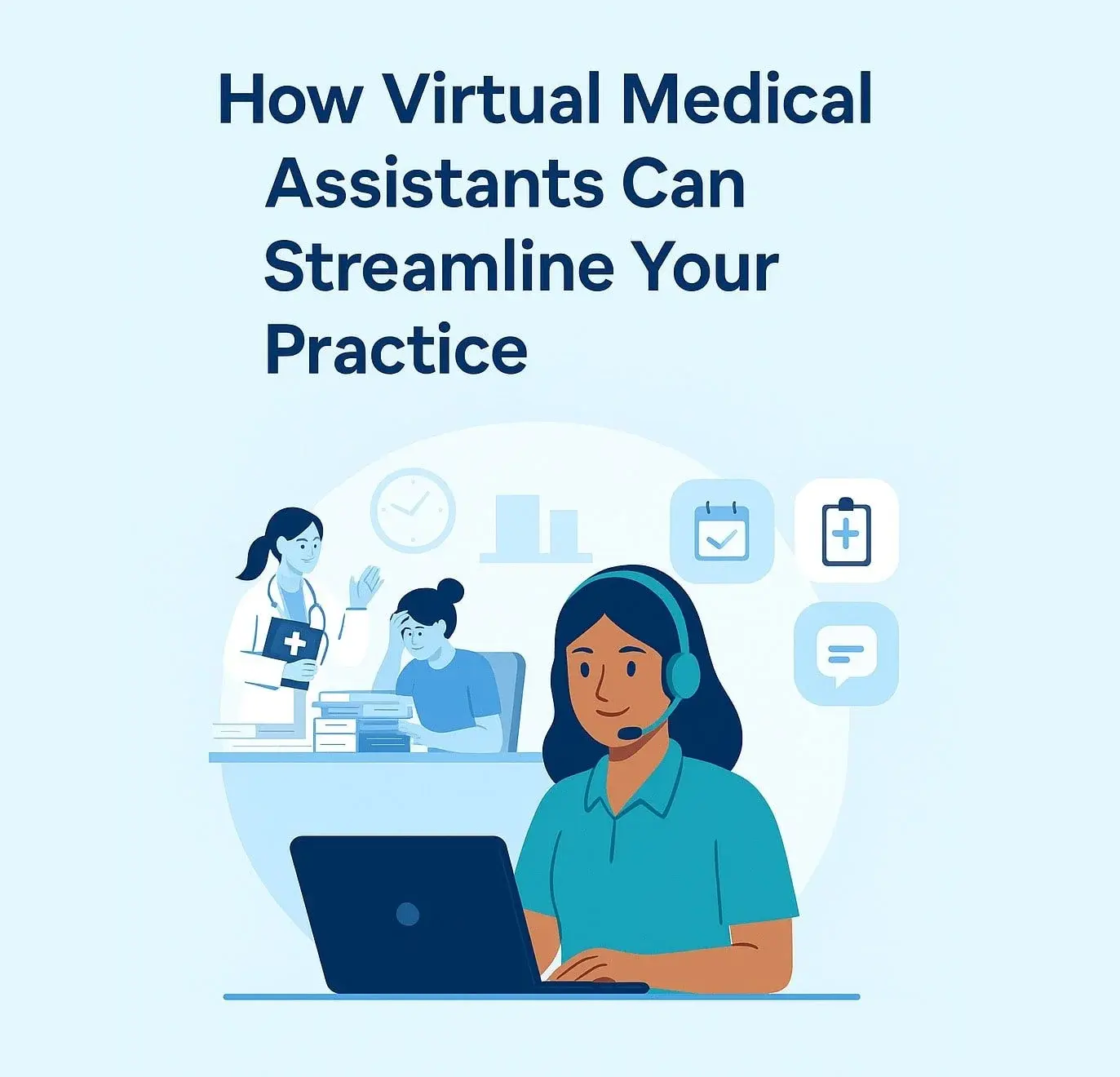
In today’s healthcare environment, administrative demands are at an all-time high. Whether you're a solo practitioner or running a multidisciplinary clinic, one common theme keeps emerging: providers are drowning in paperwork, appointment coordination, and documentation tasks.
Enter the Virtual Medical Assistant (VMA)—a remote-trained healthcare admin professional who integrates directly with your systems to handle the backend work that slows you down. But what exactly do VMAs do, and how can they transform your clinic operations?
Let’s break it down.
The Administrative Burden Is Real
Healthcare professionals spend an estimated 30–40% of their day on non-clinical tasks. This includes:
-
Answering phones
-
Managing appointments and cancellations
-
Refilling prescriptions
-
Charting and EMR documentation
-
Handling referrals and requisitions
-
Sorting incoming faxes
-
Insurance paperwork
Not only does this reduce available time for patient care, but it contributes to rising burnout—particularly for smaller teams without dedicated admin support.
What Is a Virtual Medical Assistant?
A Virtual Medical Assistant is a trained professional who supports clinical teams remotely. Unlike generic virtual assistants, VMAs specialize in healthcare operations, privacy compliance (e.g., PHIPA in Canada), and EMR workflows.
They are often full-time or part-time remote staff who:
-
Manage inbound calls and patient inquiries
-
Handle appointment booking, confirmations, and follow-ups
-
Support EMR documentation during or after patient visits
-
Process referrals and requisitions
-
Monitor inboxes, faxes, and lab requisitions
-
Prepare charts or patient summaries before appointments
The idea is simple: let your clinical team focus on patient care while VMAs take over repetitive, non-billable work.
How VMAs Improve Efficiency Across Your Clinic
Here’s a closer look at how VMAs impact day-to-day workflow:
1. Faster Response Times
Patients don’t like to wait—and clinics can’t afford missed calls. VMAs help triage incoming messages, reducing delays in callbacks or email responses. This boosts patient satisfaction and lowers the risk of no-shows or miscommunication.
2. Streamlined Appointment Management
VMAs can integrate into your existing scheduling systems (e.g., Accuro, OSCAR, TELUS PS Suite, Jane) to book, cancel, or modify appointments in real-time. They can also send reminders or prepare intake forms.
3. Improved Chart Accuracy
Some clinics use VMAs as virtual scribes to help transcribe notes during or after visits. This reduces charting errors, speeds up documentation, and frees up clinician time.
4. Better Information Flow
Incoming faxes, lab results, and patient files are routed and categorized properly—reducing bottlenecks that often happen when staff are multitasking at the front desk.
5. Scalability Without Physical Constraints
Unlike hiring another in-office staff member, VMAs don’t need a desk. You can scale your admin support without expanding your footprint or infrastructure.
Are Virtual Medical Assistants Secure?
One of the most common concerns is data privacy. The good news: modern VMAs are trained in healthcare privacy standards like PHIPA (in Ontario) and often operate through secure VPNs and cloud-hosted EMR platforms. Proper onboarding includes:
This makes VMAs a viable option for even the most privacy-conscious clinics.
Signs Your Clinic Might Need a VMA
Still unsure if a VMA makes sense for your team? Here are some telltale signs:
-
You’re missing calls or running behind on messages
-
Staff are overwhelmed or burnt out
-
You’re spending 2–3 hours daily on admin
-
Your EMR inbox or faxes are piling up
- Patient communication feels reactive instead of proactive
If you nodded your head at even one of these, a VMA may be a valuable next step.
Ideal Roles for Virtual Medical Assistants
VMAs are not limited to just one use case. Here are a few roles they’re often assigned to:
| Role Type |
Common Tasks |
| Virtual Receptionist |
Call answering, appointment booking, intake coordination |
| Virtual Scribe |
EMR documentation, SOAP notes, transcribing visit summaries |
| Admin Coordinator |
Referrals, lab results, requisitions, patient follow-ups |
| Operations Support |
Billing prep, inbox management, form uploads, non-clinical workflow support |
Final Thoughts: VMAs Aren’t Just a Trend—They’re a Smart Evolution
As healthcare continues to evolve, embracing remote operations isn’t just about staying modern—it’s about survival. Virtual Medical Assistants allow you to extend your team’s capacity, improve efficiency, and stay focused on what matters most: caring for patients.
Whether you’re managing a solo practice or leading a larger team, exploring VMAs could be the key to unlocking smoother operations—and more sanity.
%20(2).png?width=600&height=150&name=Clinicline%20Horizontal%20logo%20(600%20x%20150%20px)%20(2).png)
No Comments Yet
Let us know what you think